Getting Started with HTML5: Building Your First Web Page
Introduction to HTML5
HTML5 is the latest version of HyperText Markup Language, the standard for creating web pages and applications. It provides the structure for content on the web, allowing you to add text, images, links, and more. Whether you're a complete beginner or looking to refresh your skills, building your first web page with HTML5 is an exciting step into web development.
In this blog post, we'll walk through the basics of HTML5 and guide you in creating a simple web page from scratch. No prior experience is needed—just a text editor and a web browser!
What You'll Need
- A text editor: Notepad (Windows), TextEdit (Mac), or something more advanced like VS Code (free and recommended).
- A web browser: Chrome, Firefox, or Edge to view your page.
The Basic Structure of an HTML5 Document
Every HTML5 page starts with a basic skeleton. Here's what it looks like:
<!DOCTYPE html> <html lang="en"> <head> <meta charset="UTF-8"> <meta name="viewport" content="width=device-width, initial-scale=1.0"> <title>Your Page Title</title> </head> <body> <!-- Your content goes here --> </body> </html>
Let's break it down:
- <!DOCTYPE html>: Declares the document as HTML5.
- <html>: The root element of the page.
- <head>: Contains meta information like the title and character set.
- <body>: Holds the visible content of the page.
Adding Content: Headings, Paragraphs, and Links
Now, let's add some elements inside the <body> tag.
Headings
Use <h1> to <h6> for headings. <h1> is the largest.
<h1>Welcome to My First Web Page</h1> Paragraphs
The <p> tag creates paragraphs.
<p>This is a simple paragraph explaining something cool about HTML5.</p> Links
Use the <a> tag for hyperlinks.
<a href="https://www.example.com">Visit Example.com</a> Building Your First Web Page: A Complete Example
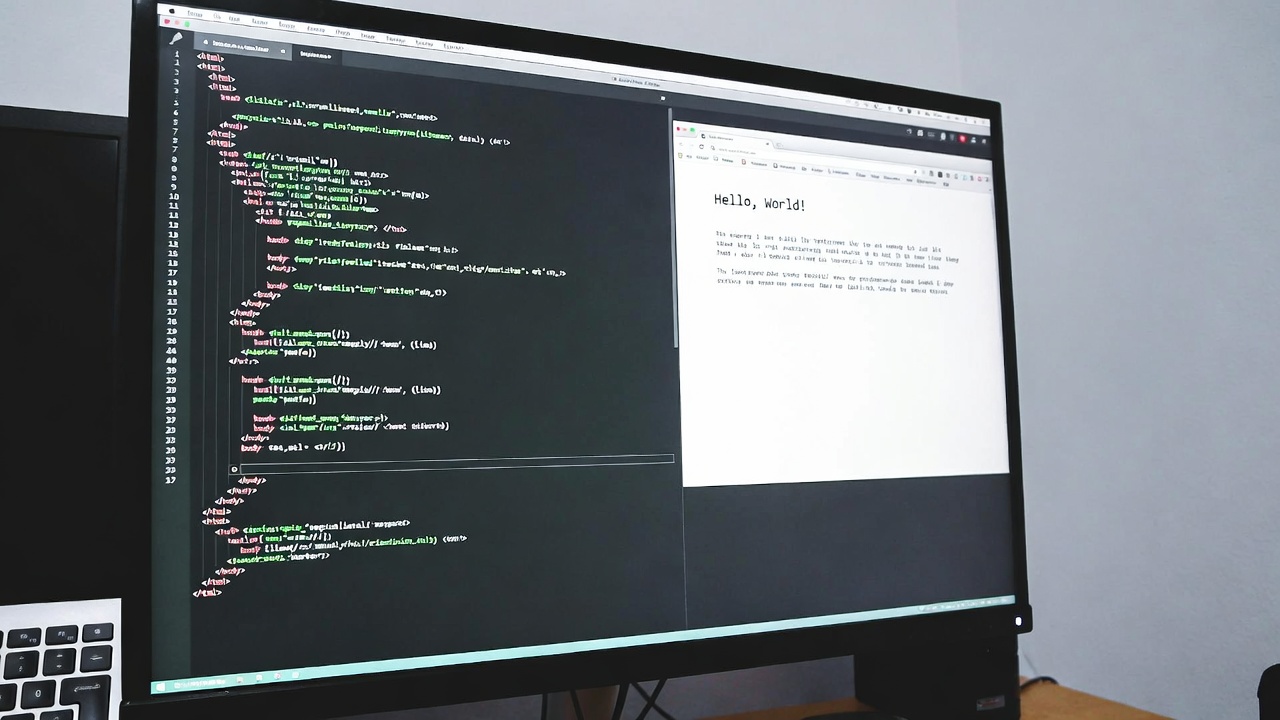
Put it all together in a file named index.html. Copy this code into your text editor and save it.
<!DOCTYPE html> <html lang="en"> <head> <meta charset="UTF-8"> <meta name="viewport" content="width=device-width, initial-scale=1.0"> <title>My First HTML5 Page</title> </head> <body> <h1>Hello, World!</h1> <p>This is my first web page built with HTML5. It's simple, but it's a start!</p> <h2>About Me</h2> <p>I'm learning web development, and HTML5 is the foundation.</p> <a href="https://developer.mozilla.org/en-US/docs/Learn/HTML">Learn More About HTML</a> </body> </html>
Open the file in your browser, and voilà—your first web page!
Next Steps
Once you're comfortable with basic HTML, explore adding images with <img>, lists with <ul> or <ol>, and even CSS for styling. Resources like MDN Web Docs and freeCodeCamp are great for diving deeper.
Happy coding! If you have questions, drop a comment below.